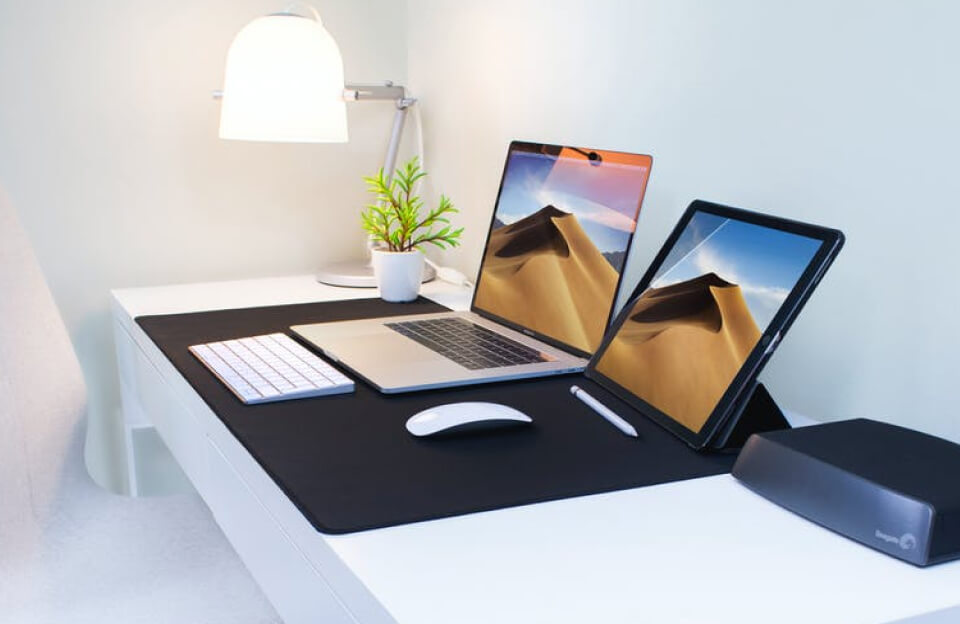
In the dynamic world of technology, versatility is key. For tech founders, understanding multiple platforms is not just beneficial—it’s essential. One way to achieve this is by running both macOS and Windows 10 on a single computer. This approach can streamline workflows, enhance productivity, and provide a deeper insight into how different systems operate.
If you’re contemplating whether to integrate both operating systems into your work regime, you’re on the right path to optimizing your tech toolkit. This article will explore how you can efficiently run macOS and Windows 10 on the same machine, offering insights into the process, benefits, and considerations.
Methods to Run Both macOS and Windows 10
There are a couple of primary methods to run both operating systems. Each has its own set of pros and cons, tailored to different user needs.
- Dual Boot with Boot Camp
- Virtual Machines (VMware or VirtualBox)
- Hackintosh
Dual Booting with Boot Camp
One popular approach is using Apple’s Boot Camp utility. It allows users to partition their hard drive and install Windows alongside macOS.
- Create a separate partition on your Mac.
- Install Windows using the Boot Camp Assistant.
- Switch between operating systems by restarting your computer.
Using Virtual Machines
Virtual machines offer a different approach. They allow you to run Windows 10 as a program within macOS.
The benefits include the ability to switch seamlessly between systems without rebooting. This can be a time-saver for tech founders constantly multitasking.
“Virtual machines have revolutionized how we harness multiple OS environments, offering simplicity and efficiency.”
Key Considerations
Before diving into a dual OS setup, consider the following:
- Hardware Requirements: Ensure adequate RAM and storage.
- Compatibility: Verify application compatibility with both operating systems.
- Support: Be prepared for potential troubleshooting and support needs.
Running macOS and Windows 10 on the same computer can unlock unparalleled flexibility for tech pioneers. Whether through Boot Camp or virtual machines, each method provides its own unique edge, paving the way for innovation and expanded possibilities.